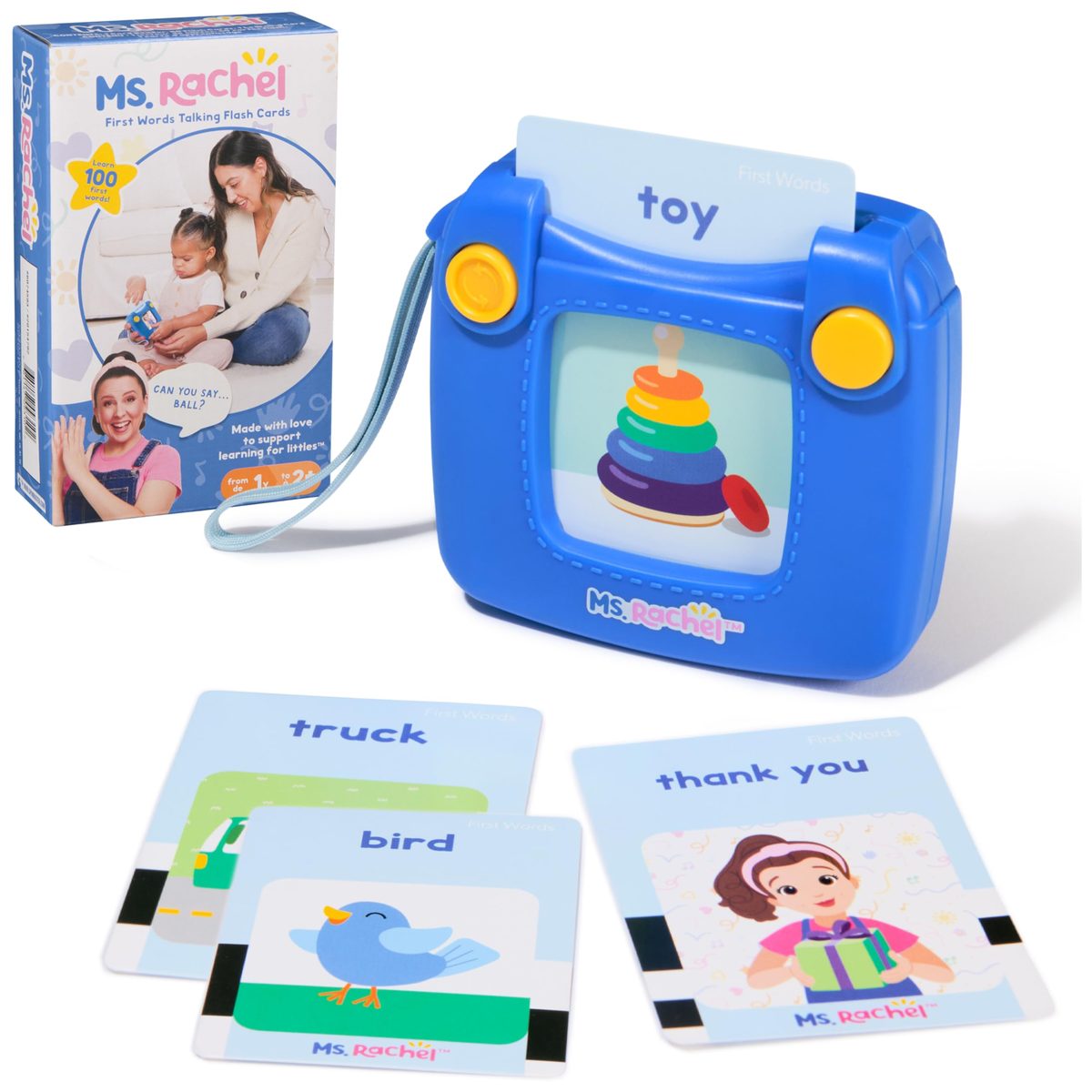

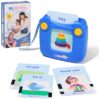
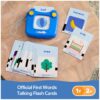


Ms. Rachel Official First 100 Words Talking Flash Cards Electronic Reader Educational Toddler Toys
RM102.40
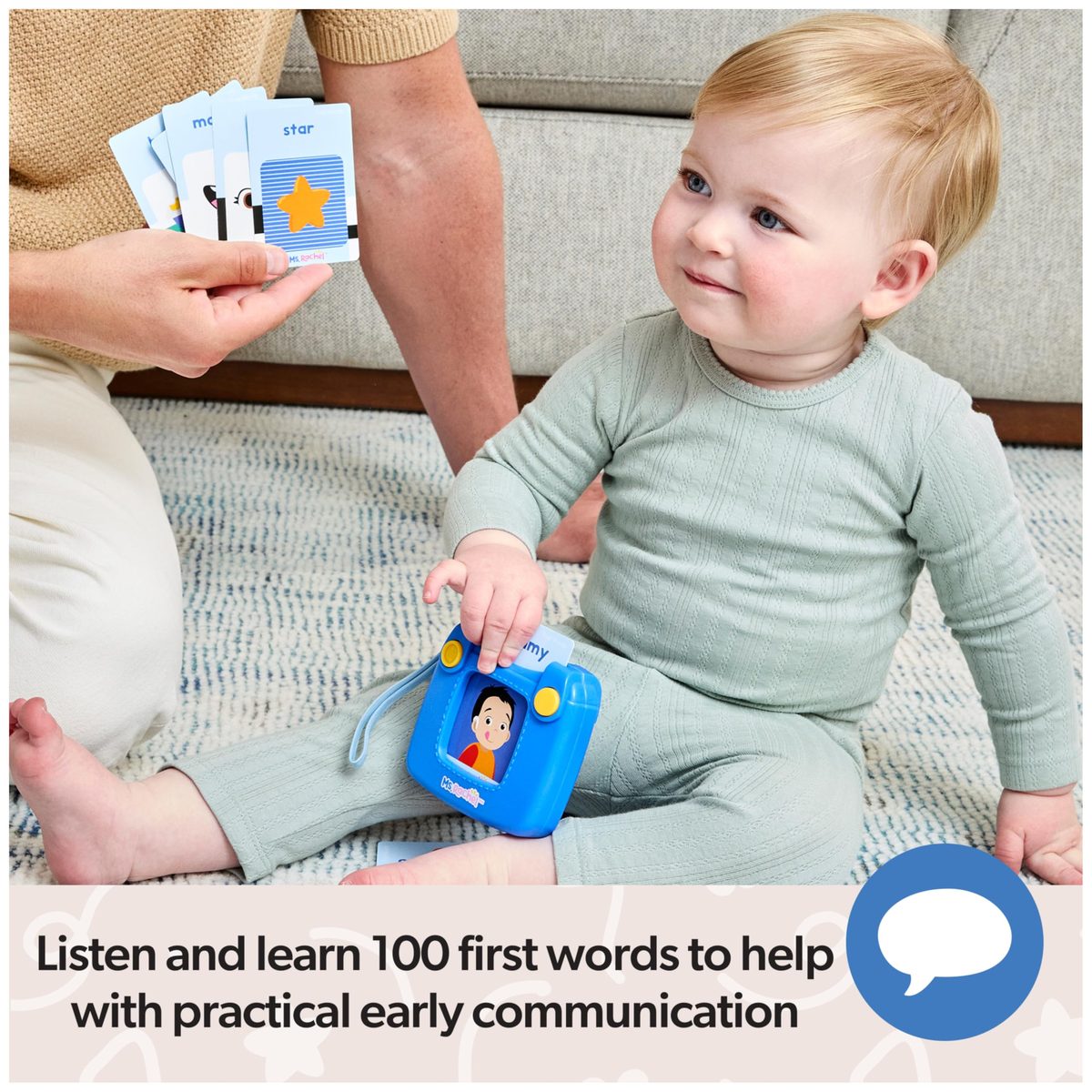
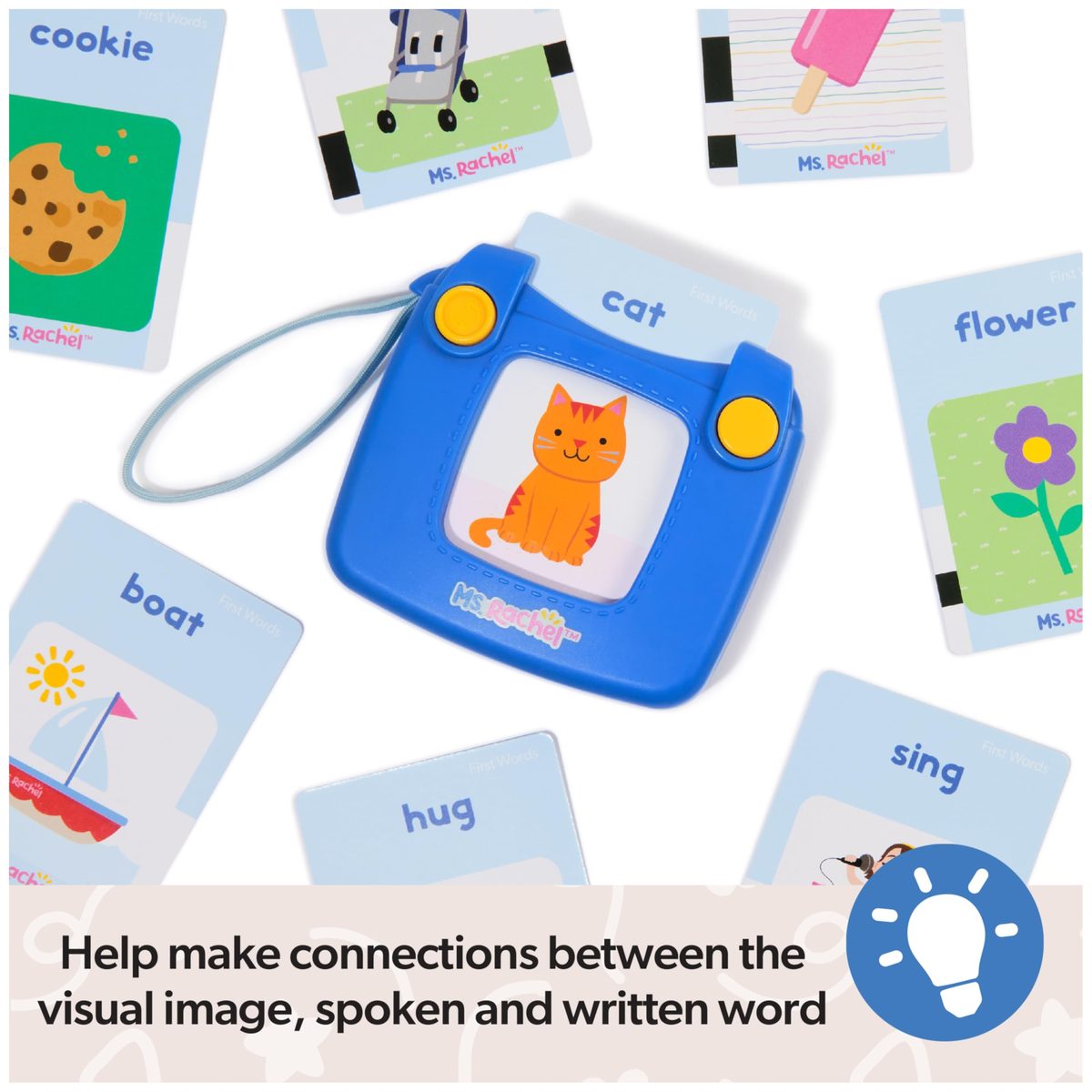
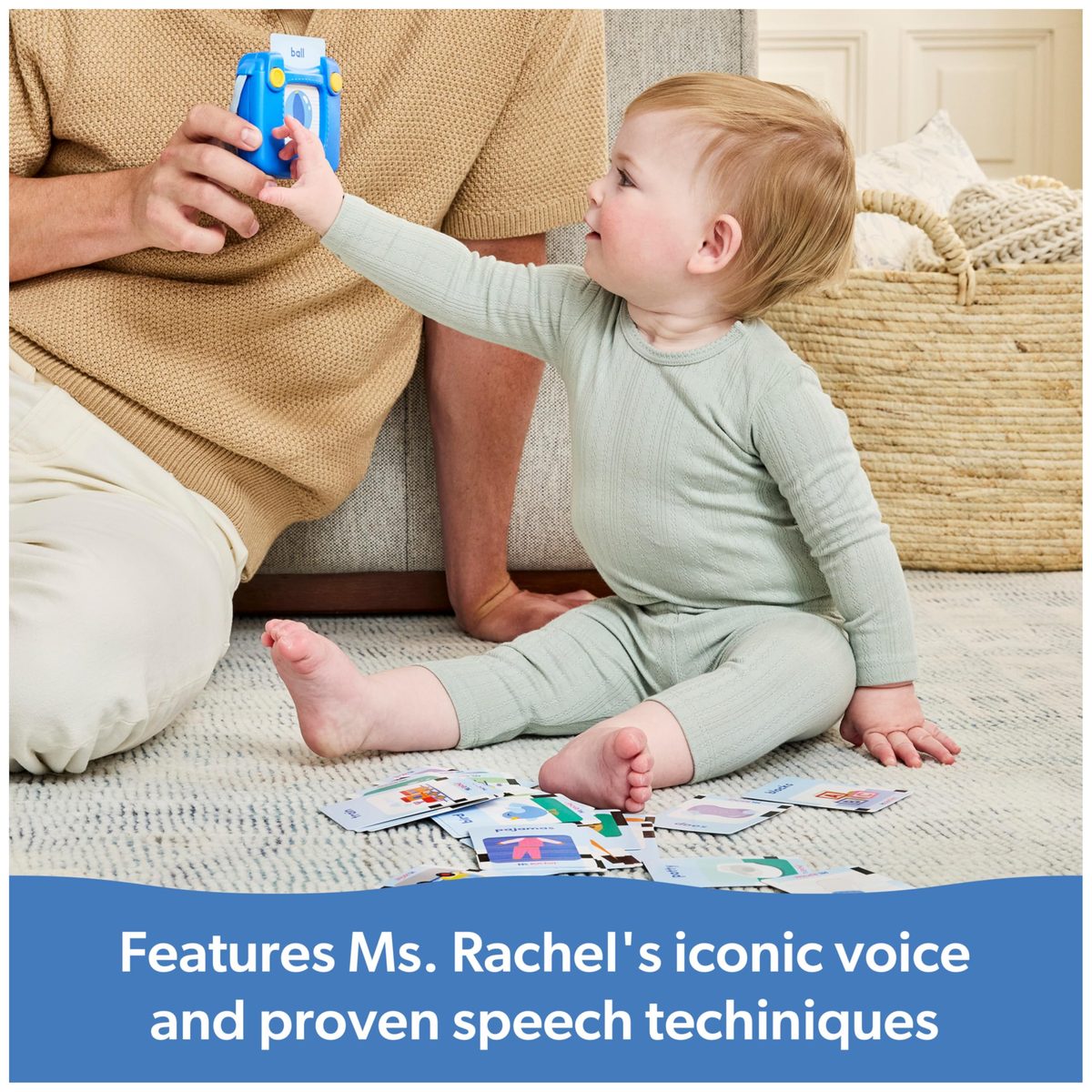
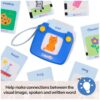
Official Ms. Rachel Toys: Features 100 first words with Ms. Rachel’s voice to connect images, text, and speech with proven techniques like repetition and pronunciation to build toddler vocabulary
Out of stock
Description
Official Ms. Rachel Toys: Features 100 first words with Ms. Rachel’s voice to connect images, text, and speech with proven techniques like repetition and pronunciation to build toddler vocabulary
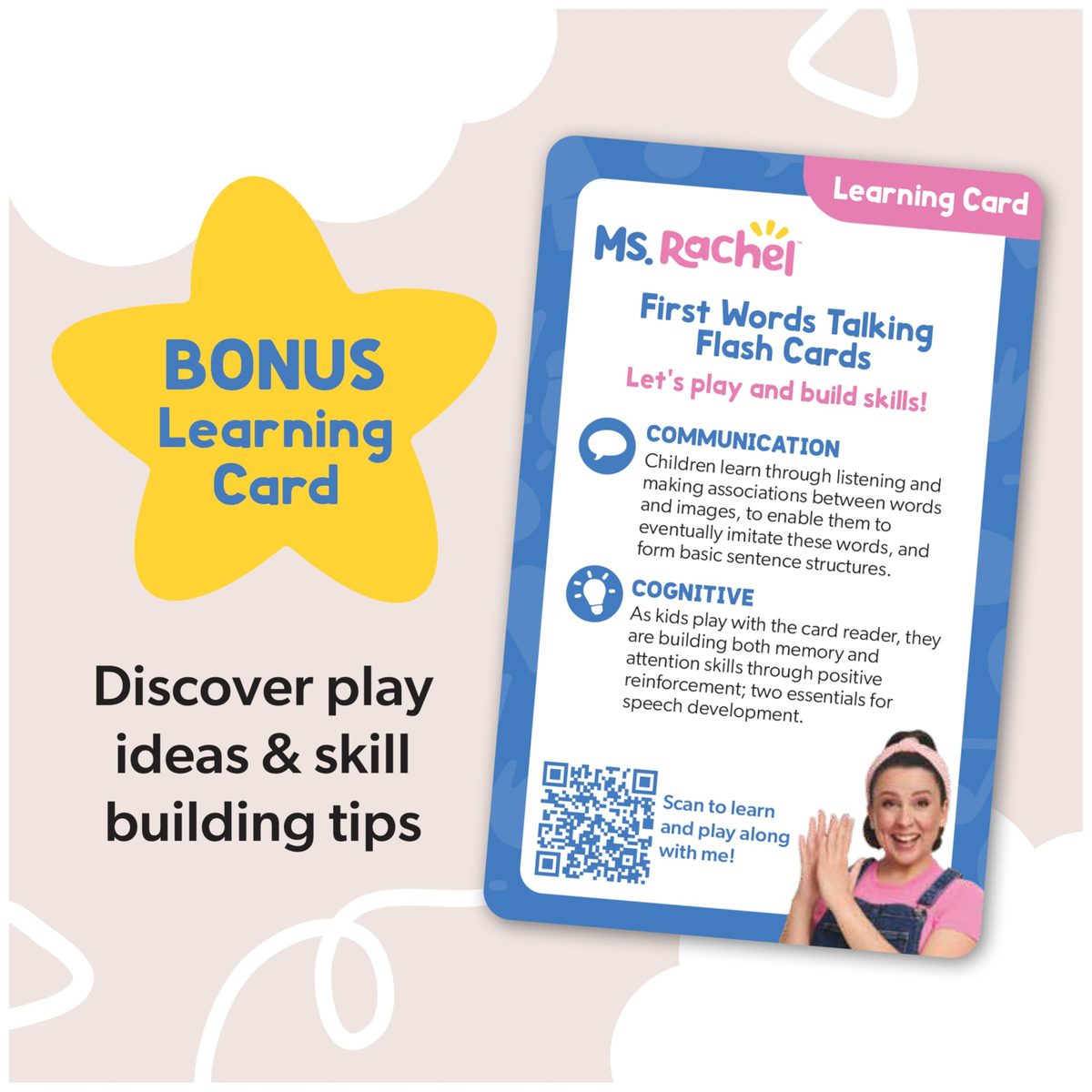
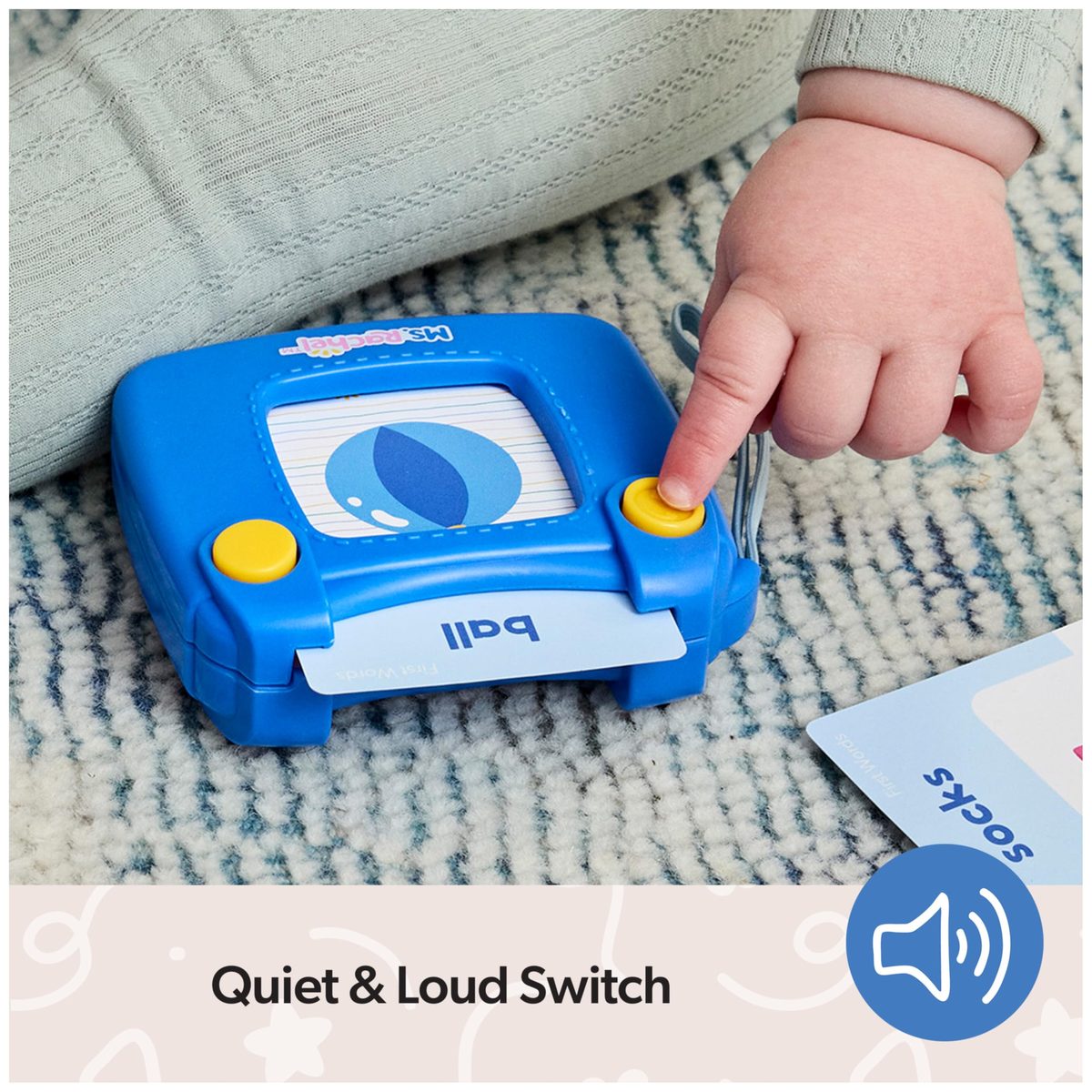
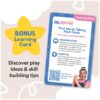
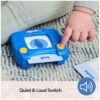
Quiet & Loud Switch: To get started, turn the power on & off at setup & explore the learning card for educator approved play ideas & tips, with these flash cards for toddlers 1-3 (Batteries Included)
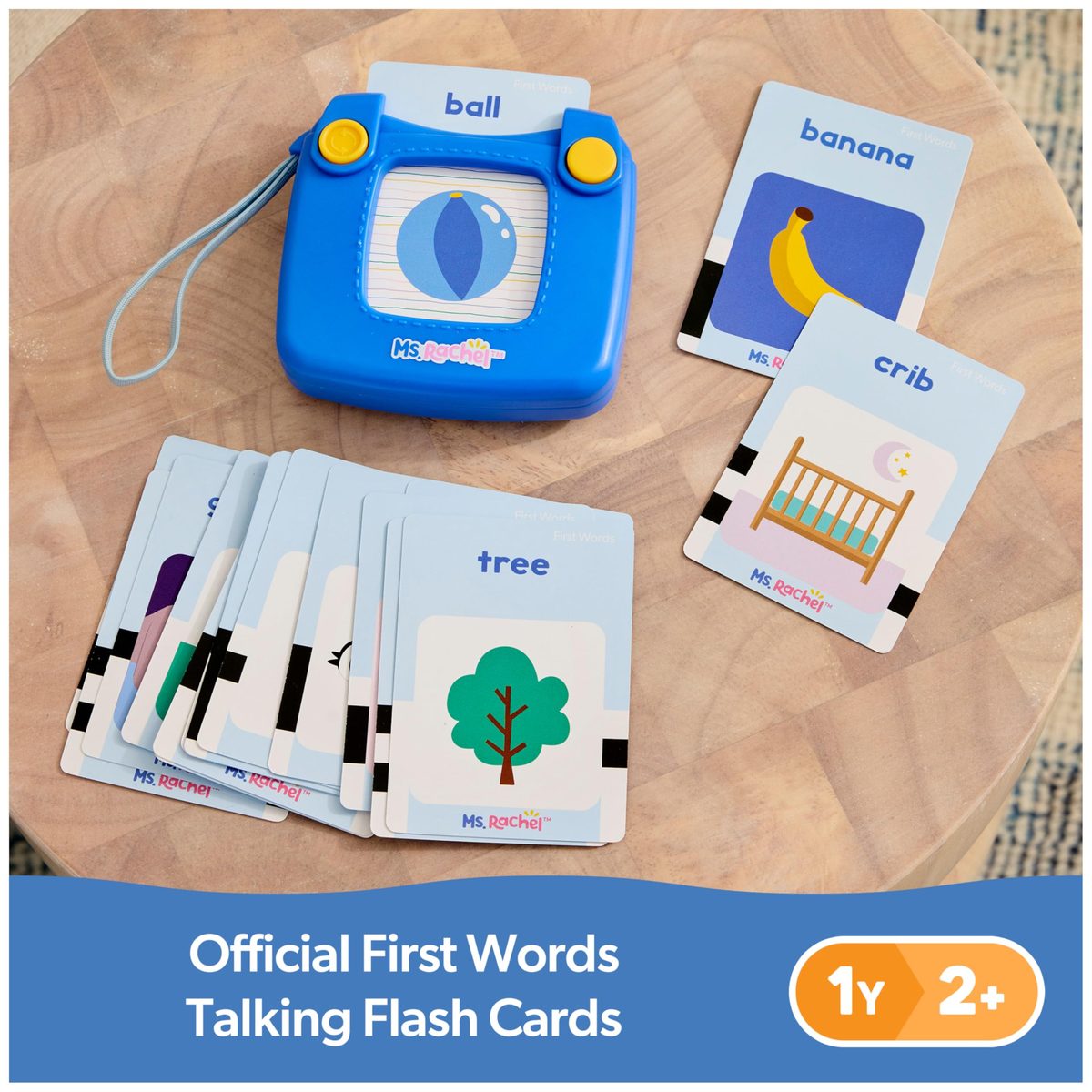
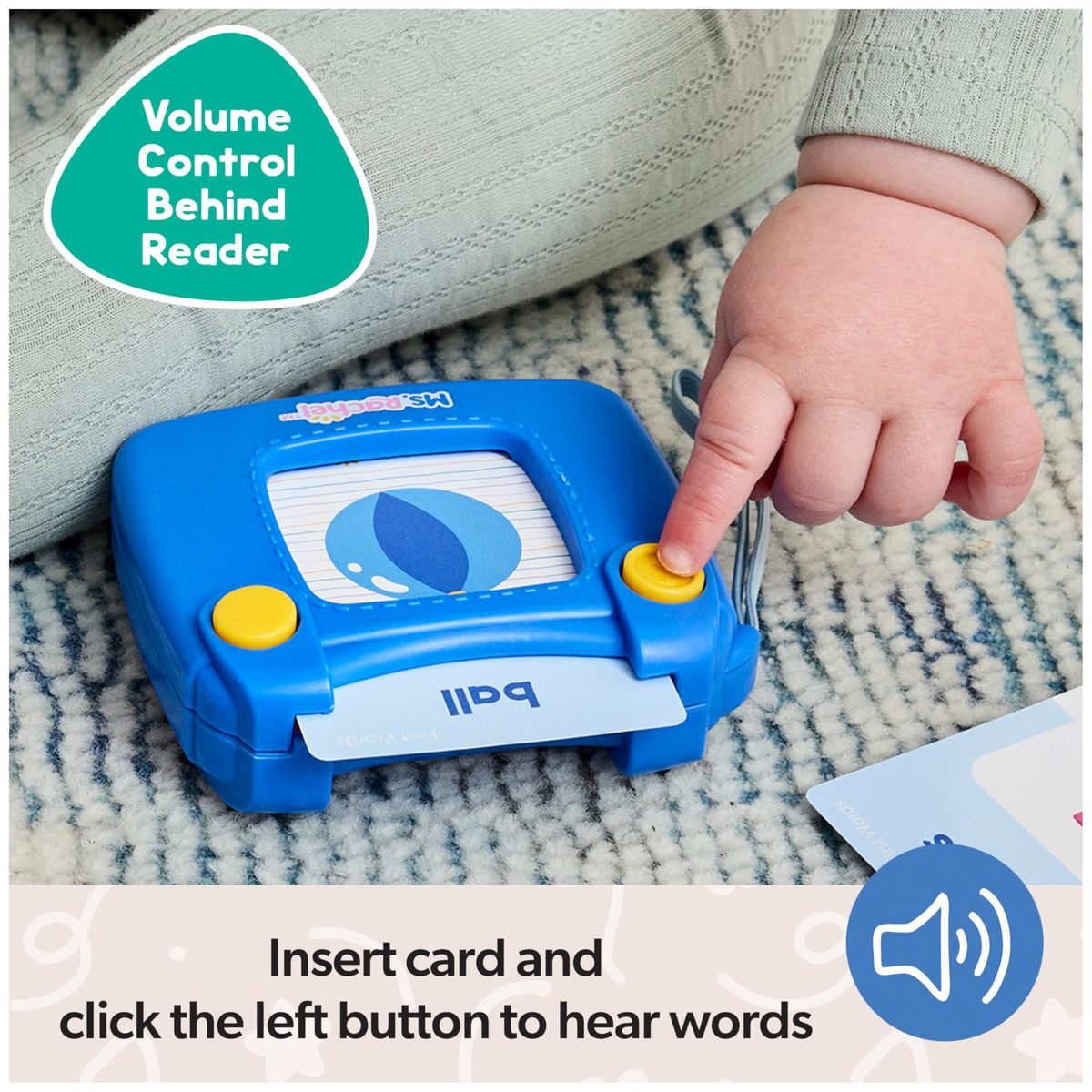
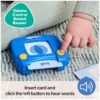
Vocabulary Builder: Select one of 50 cards with animals, actions, & more, then fully insert the card into the reader, and click the yellow button on the left, to hear the word
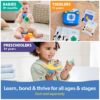
Expert-Created Learning Toys: Designed by Ms. Rachel and early-learning specialists. When shopping for toddler toys 1-2, these sensory toys support crucial milestones & development from infancy to toddlerhood
For All Ages & Stages: From baby shower gifts to everyday play, Ms. Rachel kids toys include tummy time mats, rattles, baby teething toys, plushies, interactive dolls, blocks, puzzles and more
Includes: Card Reader, 50 Cards, 1 Learning Card
How do I exit out of Try Me mode on my Ms Rachel First Words Talking Flash Cards? Upon opening the Ms Rachel First Words Talking Flash Cards, turn the power switch to the OFF position and then either to quiet mode or loud mode. How do I play with my Ms Rachel First Words Talking Flashcards? To play with your Ms Rachel First Words Talking Flash Cards, first turn on the card reader by using the power switch on the back to quiet mode or loud mode. Insert a card into card reader to activate pronunciation. Press the top left yellow button to repeat the word. What do I do if there are no sounds playing on my Ms Rachel First Words Talking Flash Cards? Ensure that the power switch is turned to quiet mode or loud mode or try changing the batteries. Insert a card into the card reader and press the top left yellow button. What do I do if my Ms Rachel First Words Talking Flash Cards does not recognize the card I inserted? Try removing the card and sliding the card back into the card reader. Ensure that the power switch is turned to quiet mode or loud mode or try changing the batteries. Insert a card into the card reader and press the top left yellow button. What do I do if my Ms Rachel First Words Talking Flash Cards keeps saying “put it in”? The Ms Rachel First Words Talking Flash Cards plays this song if the top left yellow button is pressed with no card inserted. If this plays while a card is inserted, remove the card and slide it back in, ensuring that the card is slid all the way into the bottom of the card reader.
Related products
-
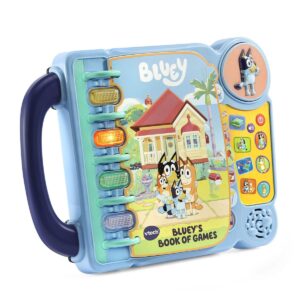
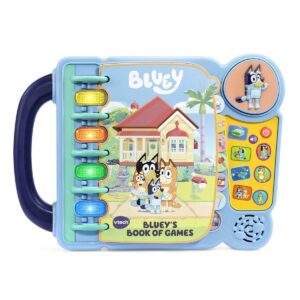
VTech Bluey Bluey’s Book of Games Bingo
RM142.00 -
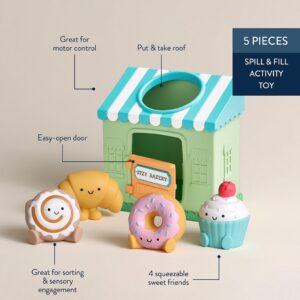
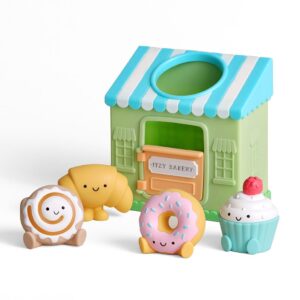
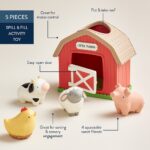
Itzy Ritzy Itzy Play Spill and Fill Put and Take Activity Toy with 4 Squeezy Friends
RM104.00 -
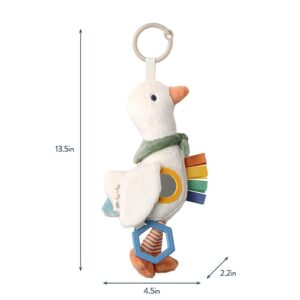
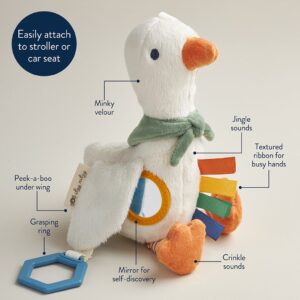
Itzy Ritzy Bitzy Traveler Sensory Travel Toy with Mirror Crinkle and Jingle
RM108.00 -
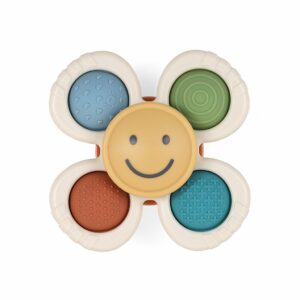
Itzy Ritzy Itzy Pop and Whirl Suction Cup Fidget Spinner Bath and Travel Toy
RM63.00
Reviews
There are no reviews yet.